
Setting up your Mac for Laravel Development
This assumes you already have php installed on your machine
Install composer
Open up your Terminal or iTerm2 application and copy/paste the following to install Composer in the current directory:
php -r "copy('https://getcomposer.org/installer', 'composer-setup.php');"
php -r "if (hash_file('SHA384', 'composer-setup.php') === '93b54496392c062774670ac18b134c3b3a95e5a5e5c8f1a9f115f203b75bf9a129d5daa8ba6a13e2cc8a1da0806388a8') { echo 'Installer verified'; } else { echo 'Installer corrupt'; unlink('composer-setup.php'); } echo PHP_EOL;"
php composer-setup.php
php -r "unlink('composer-setup.php');"
Composer is now installed locally and you can run it by typing php composer.phar
Ideally, you want this installed globally so that you can simplay run composer. Let's move the Composer PHAR file to a directory in our PATH. By default on the mac, usr/local/bin is already in your PATH so let's run the following:
mv composer.phar /usr/local/bin/composer
To get more info, visit the Composer download page.
Adding composer to your PATH
You will need to add the composer's vendor bin directory in your $PATH so the Laravel executable can be located by your system.
You can do so by adding
~/.composer/vendor/bin to you .bashrc, .bash_profile or .zshrc file. Basically, you want something like:
export PATH=$HOME/bin:/usr/local/bin:~/.composer/vendor/bin:$PATH
Then you can run source ~/.bashrc (or whatever the name of the file you just edited with the updated path). Composer has now been added to your environment!
Install Laravel via Laravel Installer
Using Composer, download the Laravel installer
composer global require "laravel/installer"You can now install fresh Laravel projects by issuing the laravel new command. For example, you can create a project called blog by running the following command:
laravel new blogNavigate your terminal to your new laravel project directory and run the following commands.
cd blog
cp .env.example .env
npm install
php artisan key:generate
php artisan serve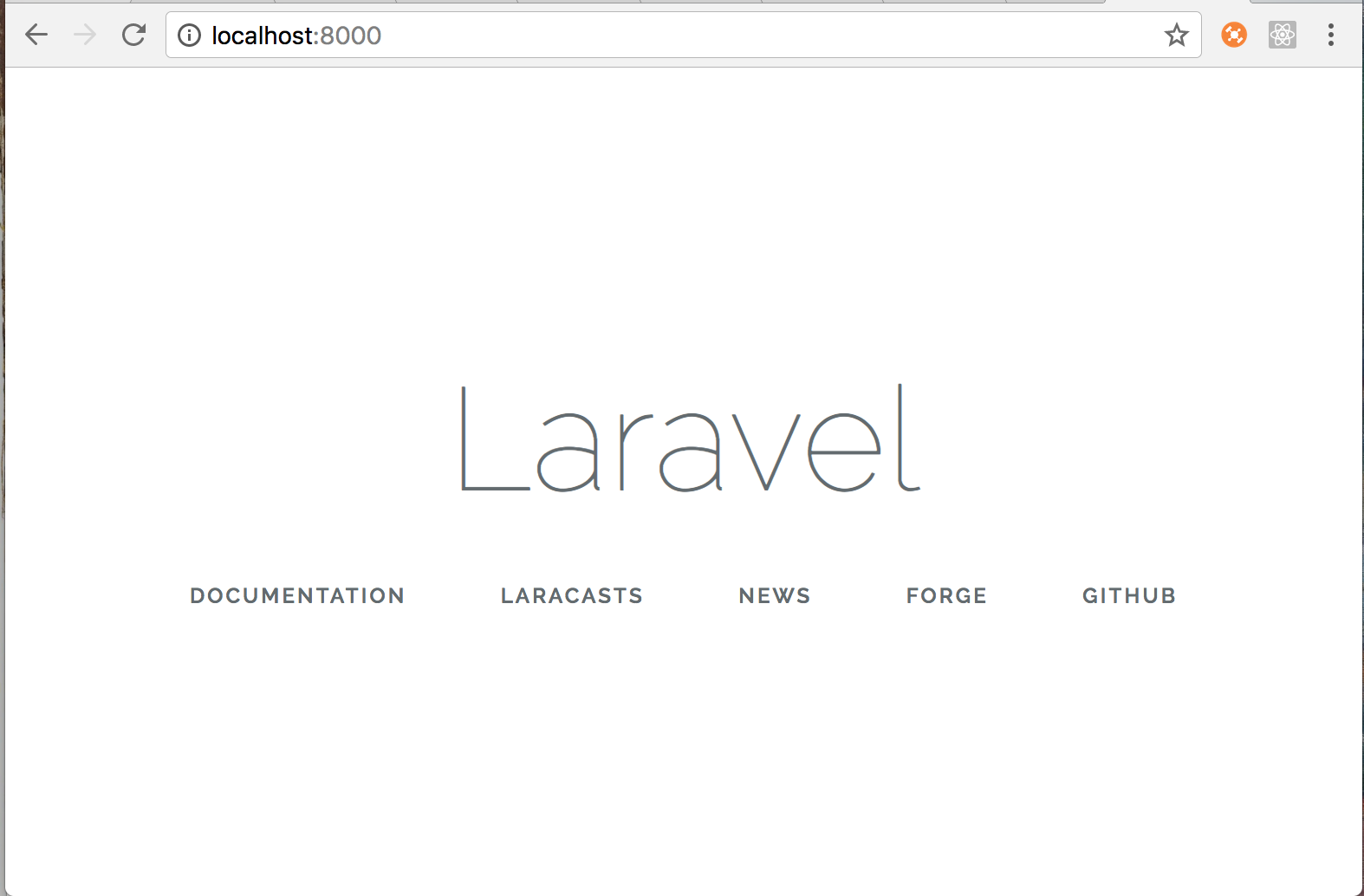
Check out the Laravel documentation to learn more!